Wordmark vs. Symbol Logo: Which Should You Choose?
A wordmark makes the name the primary visual element. A symbol uses an image or shape that can appear independently. A combination logo brings the two together. The right starting point depends on what a viewer needs to learn and the space available, not on a rule that one type is more professional.
Use a wordmark when the name needs to be learned
A new project often benefits from showing its name clearly. A distinctive icon cannot tell a first-time visitor how to spell an unfamiliar business name. If your first uses are a website header and an invoice, a well-proportioned name can do much of the work.
Try Folio and temporarily hide the compass layer. Look at the DM Sans name by itself. Does it have enough presence for your actual name? If it feels anonymous, explore typography and spacing before adding decorative symbols. The font guide provides a comparison method.
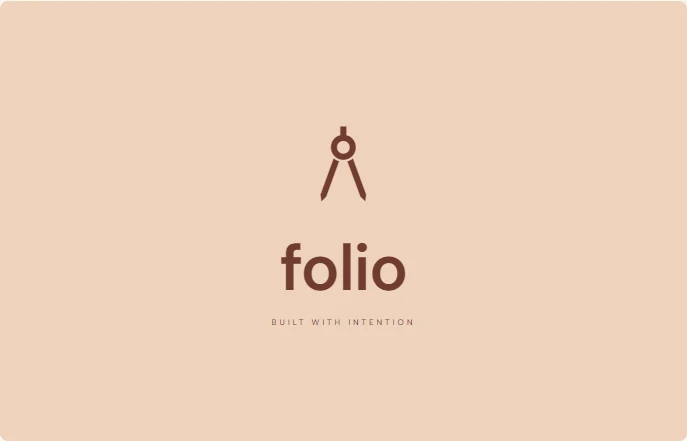 Original combination
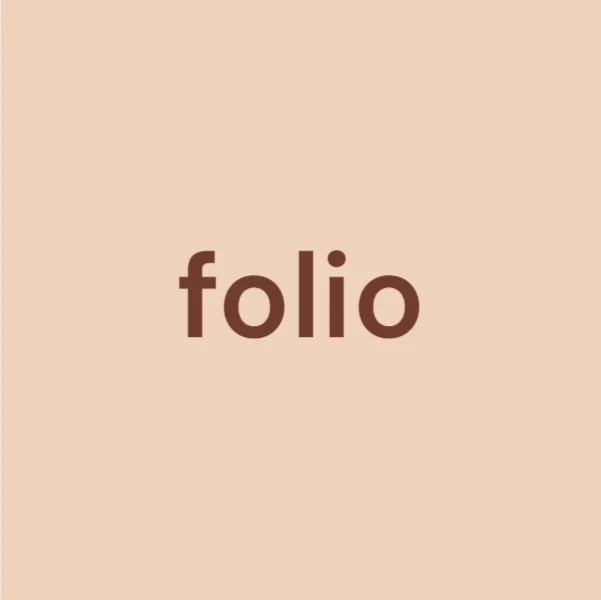 Customized name-only version
Use a symbol for constrained spaces
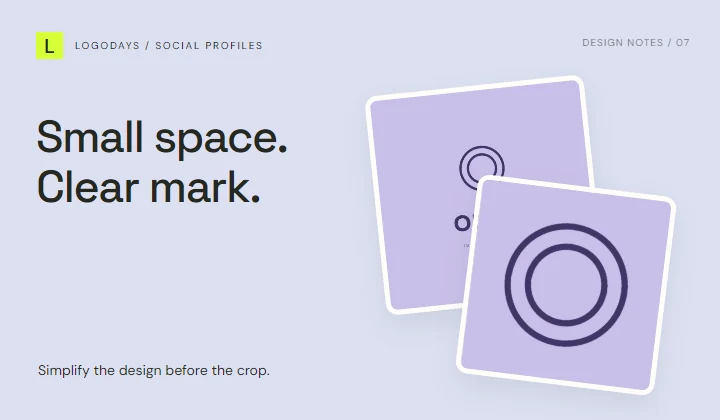
A small square profile image may not hold a long name. A compact symbol can survive a circular crop more easily, provided its details remain visible. Orbit offers a centered ring mark, but the space between its two outlines still needs checking at small size.
A symbol-only version is most useful when the name appears nearby, such as in the visible account name or website header. Do not assume people already recognize a new mark.
Build a small set of related arrangements
Most projects do not have to choose one arrangement forever. A practical set might include a complete stack for a cover, a wider name-led version for a header, and a simplified symbol for an avatar. Keep the colors, typeface, and symbol proportions consistent so these read as parts of one identity.
In LogoDays, the name, symbol, and tagline remain separate layers. You can move them manually, hide a layer, or group related objects to adjust them together. Download separate editable project files for each arrangement; local recovery holds the current project, not an organized library of versions.
Decide whether the symbol adds information
Ask what the image contributes beyond decoration. Folio’s drafting compass suggests making or drawing. Orbit’s rings are more abstract. A literal symbol can make a category easy to recognize, but many other businesses may use the same subject.
Some LogoDays designs use shared Material Symbols. Changing a symbol’s color does not make the source glyph exclusive. A unique business name and a considered composition can help differentiate a design visually, but they are not substitutes for checking usage rights and possible conflicts before business use.
Test the relationship between image and name
Place the design at the smallest size you actually need. If the symbol is clear but the name cannot be read, reduce the symbol’s dominance or use a separate small-space version. If the tagline creates a third competing focal point, hide it.
Compare the gap between the symbol and name with the empty space around the whole composition. Too little internal space looks cramped; too much can make the elements seem unrelated. Use the center controls for stacked arrangements, then inspect visually rather than relying only on numerical alignment.
Make the decision with two real placements
Export a profile version and a document version. View both at their final size. Choose the arrangement that solves each job with the least unnecessary detail. The social media guide explains crop checks, and the file format guide helps you keep both the finished images and editable work.