How to Choose the Right Font for Your Business Logo
A font changes how a name reads before anyone studies the symbol. Start by typing the real name in two or three families. A sample word may look excellent while your own repeated letters, initials, or long name produce an awkward result.
Match the letter shapes to the task
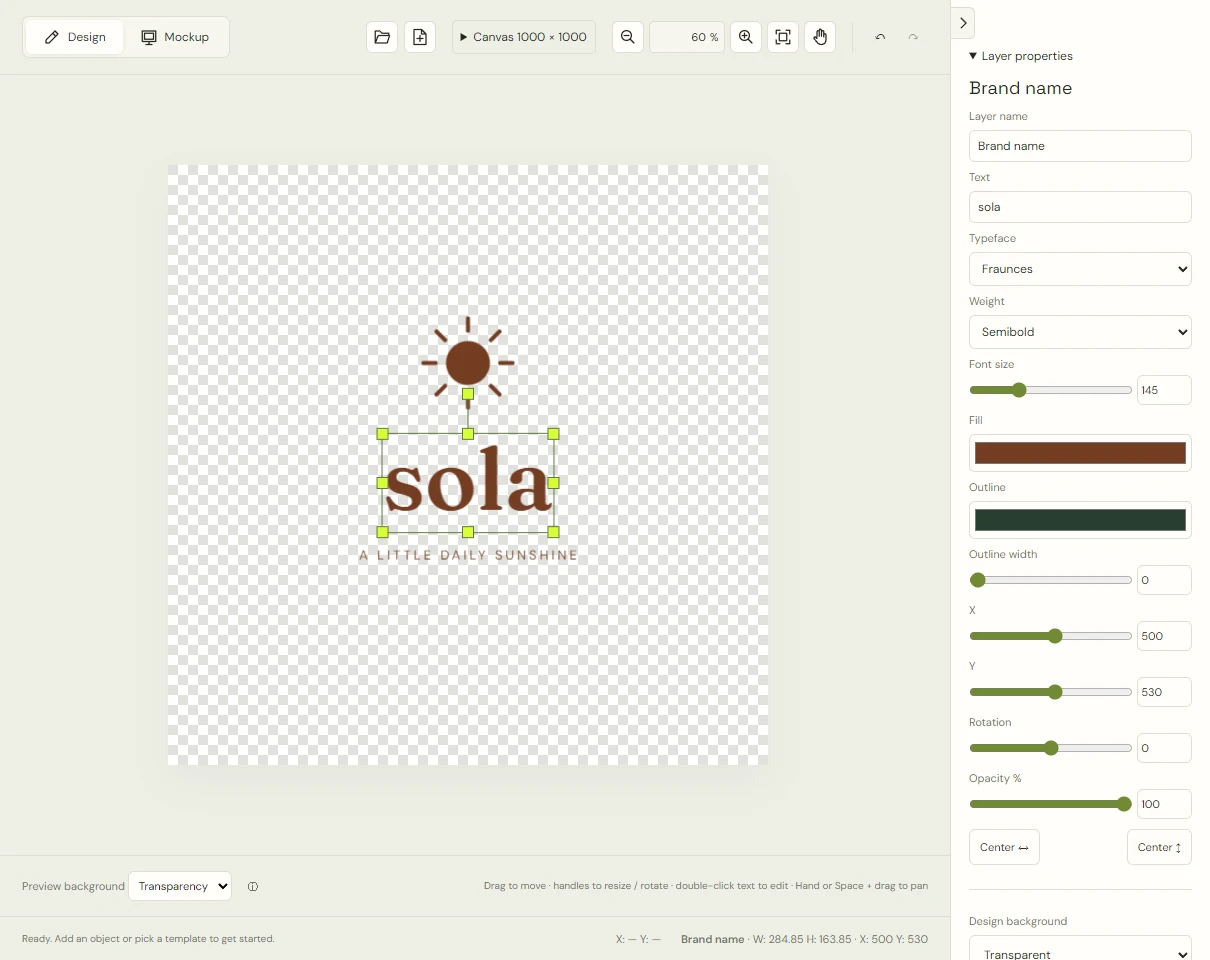
Serifs are the small finishing strokes on letters; sans-serif faces omit them. This is a useful distinction, but not a quality ranking. Fraunces in Sola has rounded, expressive details. Cormorant Garamond in Morrow is finer and more delicate. Both are serif designs, yet they create different text textures.
Compare those with Outfit in Alto, whose rounded sans-serif forms sit beneath a solid triangle. If your name needs to read on small receipts or compact screens, examine the actual strokes and spaces rather than assuming every sans-serif is clearer.
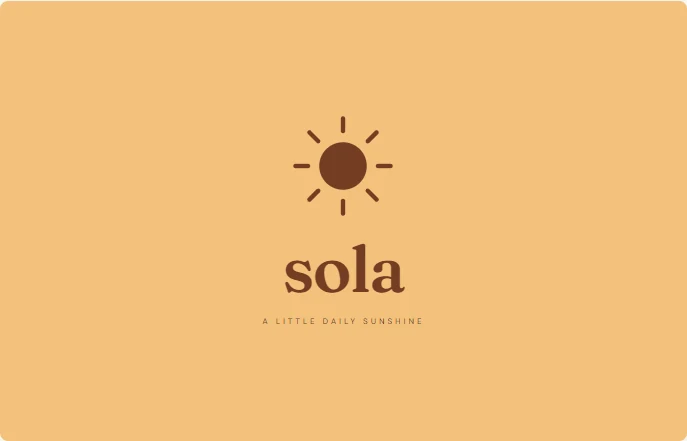 Sola · Fraunces
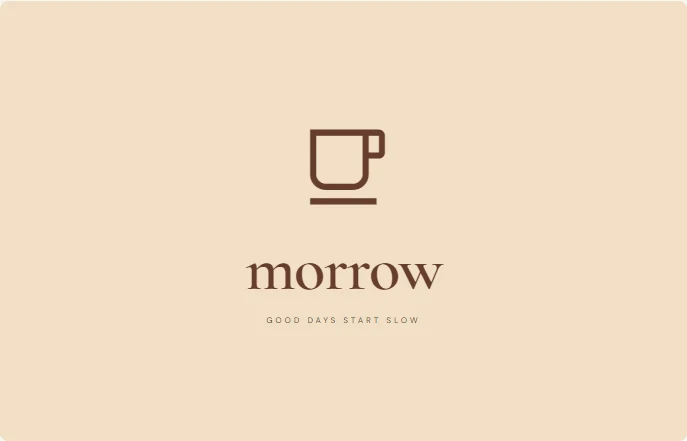 Morrow · Cormorant Garamond
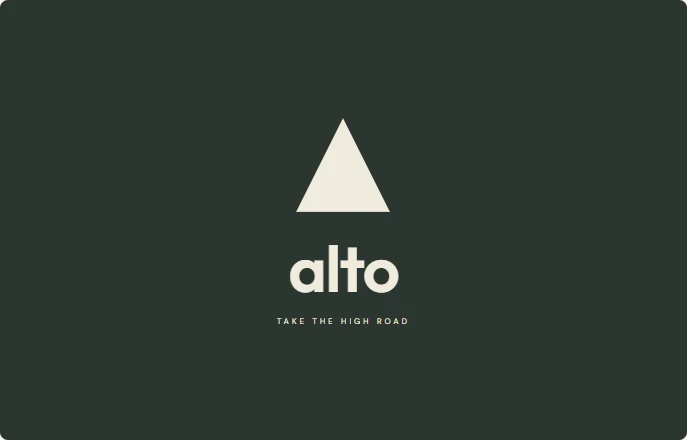 Alto · Outfit
Make a comparison sheet
In LogoDays, select the name layer and try a font in the Typeface menu. Keep the text, size, and color consistent for the first comparison. Save separate project versions or export samples so you can look at them side by side.
Check these details:
- Can you distinguish lowercase l, uppercase I, and the numeral 1 if your name uses them?
- Do repeated letters create an odd pattern or dark patch?
- Does a long name need so much reduction that it loses presence beside the symbol?
- Do the small spaces inside letters, such as a and e, remain open at the intended size?
A font may take a moment to load from Google Fonts. Wait for the intended face before comparing or exporting; a fallback font can change the spacing and width.
Choose weight by reproduction, not fashion
A fine stroke can look elegant on a large canvas and disappear in a small profile image. A heavy weight can close small spaces inside letters. LogoDays offers the available regular, semibold, and bold choices for its selected families. Try a supported weight and judge the exported image at normal size.
If Morrow’s fine lettering is difficult to read in a small use, increase its size or try a sturdier family before adding a thick outline. An outline changes the shape of every letter and can make the spaces more cramped.
Set a hierarchy
The brand name and descriptor have different jobs. Let the name lead and the tagline supply extra information where space allows. One display family for the name and a plain family for the descriptor is usually easier to manage than several competing typefaces.
Use the center controls after changing the name. Leave visible breathing room between the lettering and symbol. LogoDays does not provide a dedicated per-letter kerning tool; if a particular letter pair remains troublesome, compare another font or arrangement instead of promising a precision fix the editor cannot make.
Test cases, lengths, and small sizes
Try the name as it will actually be written. All capitals can change its width substantially, and lowercase can make an unfamiliar abbreviation harder to parse. Do not choose a face only because the four-letter template looks balanced.
For a social profile, you may need the symbol alone or a shorter name version. The wordmark and symbol guide explains how to keep these versions related. The testing guide covers exported-size checks.
Keep a record of the typeface
Write down the family and weight in your handoff notes. Editable projects reference font names and load them again when opened; they do not embed font binaries. The Privacy & fonts page lists the included families and source links. Check the relevant license if you will redistribute font software or use it outside the downloaded artwork. A familiar typeface is not, by itself, a distinctive or exclusive brand identity.