Logo Color Psychology: A Practical Guide for Small Businesses
Color can suggest a mood or help an audience recognize a familiar category, but there is no universal table that makes blue trustworthy or green sustainable. Context, culture, surrounding imagery, and the viewer’s experience all affect interpretation. Use associations as ideas to test, not promises about behavior or sales.
Begin with the context
List where the logo will appear and what will surround it. A green mark on a plant-shop sign has a different context from the same green in a financial app. Look at nearby businesses so you can recognize common visual conventions without copying their identities.
Choose words describing the intended experience, then build a small palette. “Quiet and bookish” might lead you to compare Lune’s pale lavender on dark violet with a simple dark-on-cream version. Neither choice guarantees that viewers will read it the way you intend.
Separate association from readability
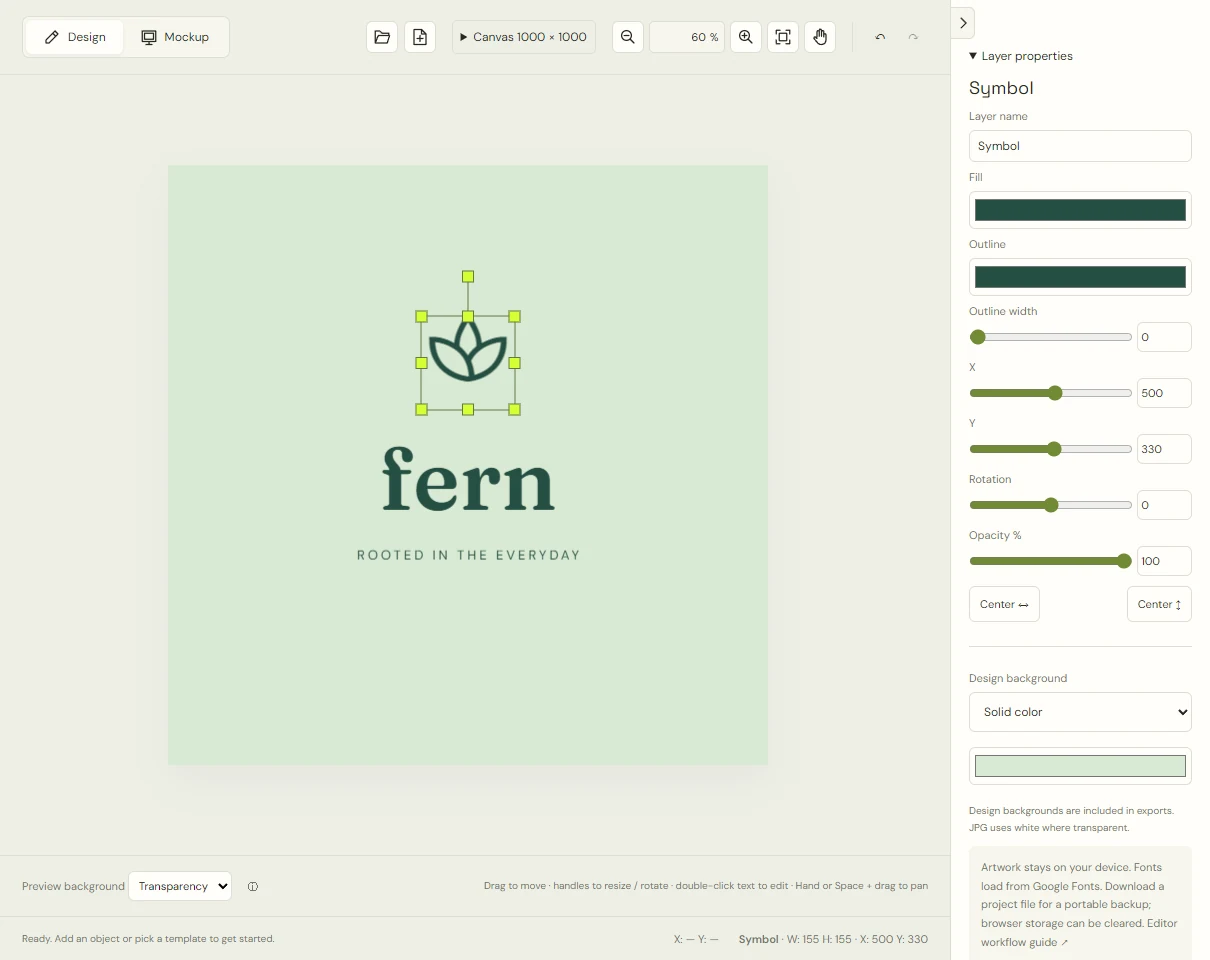
Fern and Tide both use related foreground and background hues. Their dark artwork is what separates the leaves and waves from the pale backdrop. Using two greens or two blues is not enough: they need a visible difference in lightness.
A practical first palette has a dark artwork color and a light surface color. Add an accent only when it has a clear job. In LogoDays, change the fill of the relevant layers and compare the result without also changing the font or symbol. That keeps the comparison understandable.
Test on light and dark surfaces
Use the editor’s preview background to inspect a transparent design against different surfaces. That preview setting does not become part of the exported logo. The separate Design background setting does.
Lune uses pale artwork on a dark design background. Removing that background without changing the fill can produce a logo that almost disappears on a white page. Create a separate dark-on-light project if you need one. Keep the two versions recognizably related.
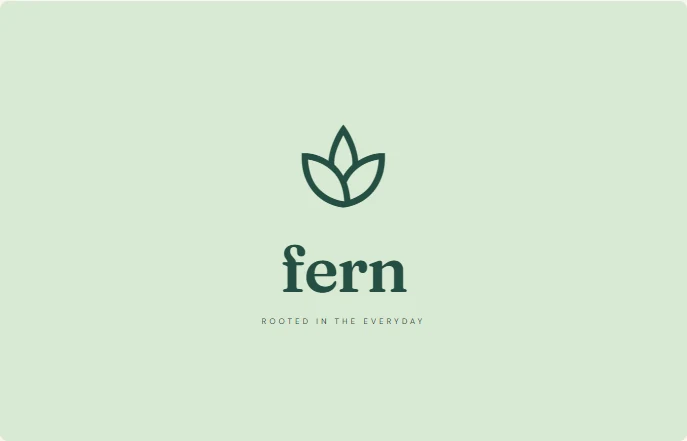 Fern · dark on light
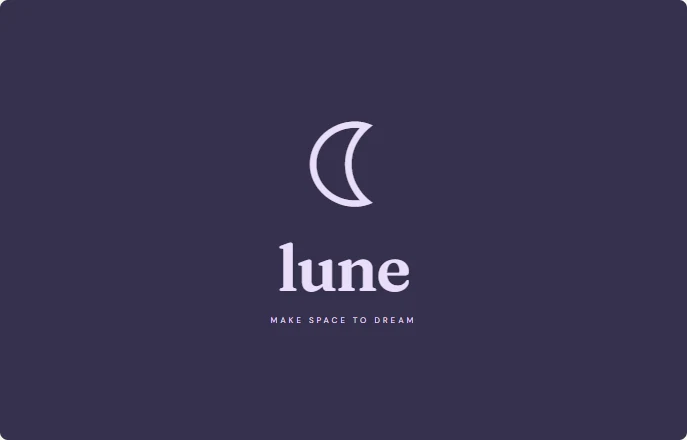 Lune · light on dark
Check without color
Export a sample and inspect a grayscale copy in an image viewer that supports it, or print it using a black-and-white setting. This is a suggested check, not a built-in LogoDays grayscale feature. Ask whether the symbol and name remain distinguishable when hue is removed.
If a mark only makes sense because two touching shapes are different colors, it may fail in monochrome. Increase the gap or simplify the arrangement. Do not assume color will always be available on an invoice, stamp, or document photocopy.
Think about people and reproduction
People perceive color differently, and screens vary. Avoid making small text depend on a subtle difference between similar colors. Use shape and spacing as additional cues. LogoDays exports raster images in the browser; it does not offer CMYK separation, spot-color specifications, or a print proofing workflow.
For packaging or signage, ask the supplier to evaluate the exported artwork before ordering. A bright screen color, especially a vivid lime, may look different on paper or a physical material. A mockup helps you imagine a use; it does not verify a print match.
Make a small decision record
Record the foreground and background hex colors and the surfaces on which each version works. For example: “Use dark teal artwork on white documents; use the mint background version for social cards.” This is more actionable than assigning an emotion to every color.
Check your social profile version separately because small display sizes magnify contrast problems. Finish with the logo testing sequence before using the design broadly.