How to Create a Professional Logo Without Design Experience
A useful first logo answers a practical question: can someone recognize your name in the places you will use it? Start with that job rather than a favorite effect. A carefully spaced name and a simple mark can be more useful than a detailed illustration that only looks good on the editor canvas.
Write a brief before choosing a template
Write your exact business or project name, a plain-language description of what you do, and the first two places the logo will appear. Add three words for the tone you want, such as “calm, local, practical.” Avoid a list of conflicting qualities like playful, luxurious, technical, and traditional all at once.
For example, an independent plant workshop might need a social profile and a class handout. It needs a recognizable small mark and a readable name on paper. That is a more useful brief than “make it green.”
Compare two starting points
Open Grove and Form. Both have pointed symbols, but Grove combines a many-pointed burst with expressive serif lettering, while Form uses a sparse four-point shape and geometric type. Ask which arrangement fits your brief, not which sample name you prefer.
Choose one template and open it with Make this logo yours. Starting with a template replaces the current design after confirmation. Download an editable project first if you want to keep another version.
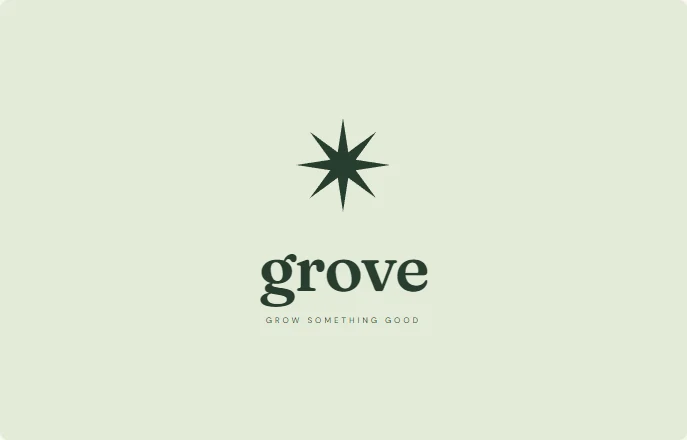 Grove · Fraunces
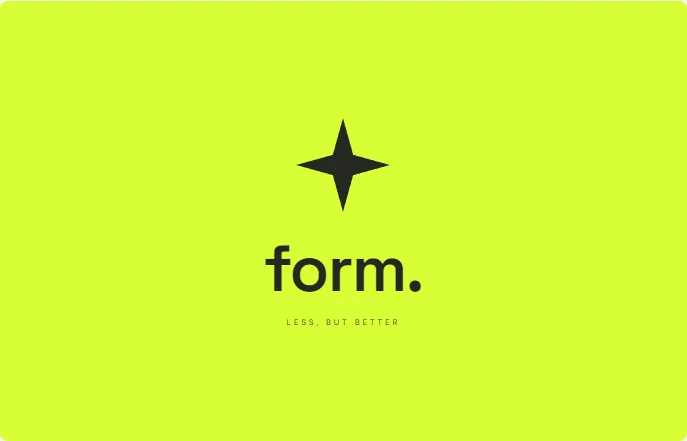 Form · Space Grotesk
Replace the name before decorating
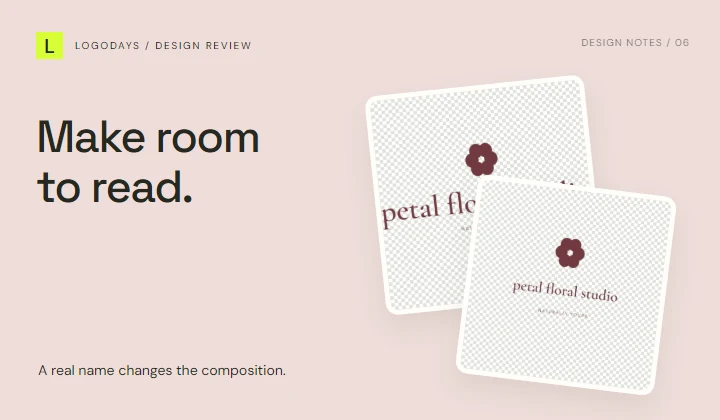
Select the Brand name layer and change its text in Layer Properties. A longer real name can upset the sample proportions. Reduce the font size and use the center controls to restore alignment. Do not squash the lettering horizontally just to make it fit; that changes its letter shapes.
Next, replace the tagline with a short, useful descriptor or hide that layer. A tagline is optional. “Plant workshops” tells a reader more than a long promise that becomes unreadable on a small image.
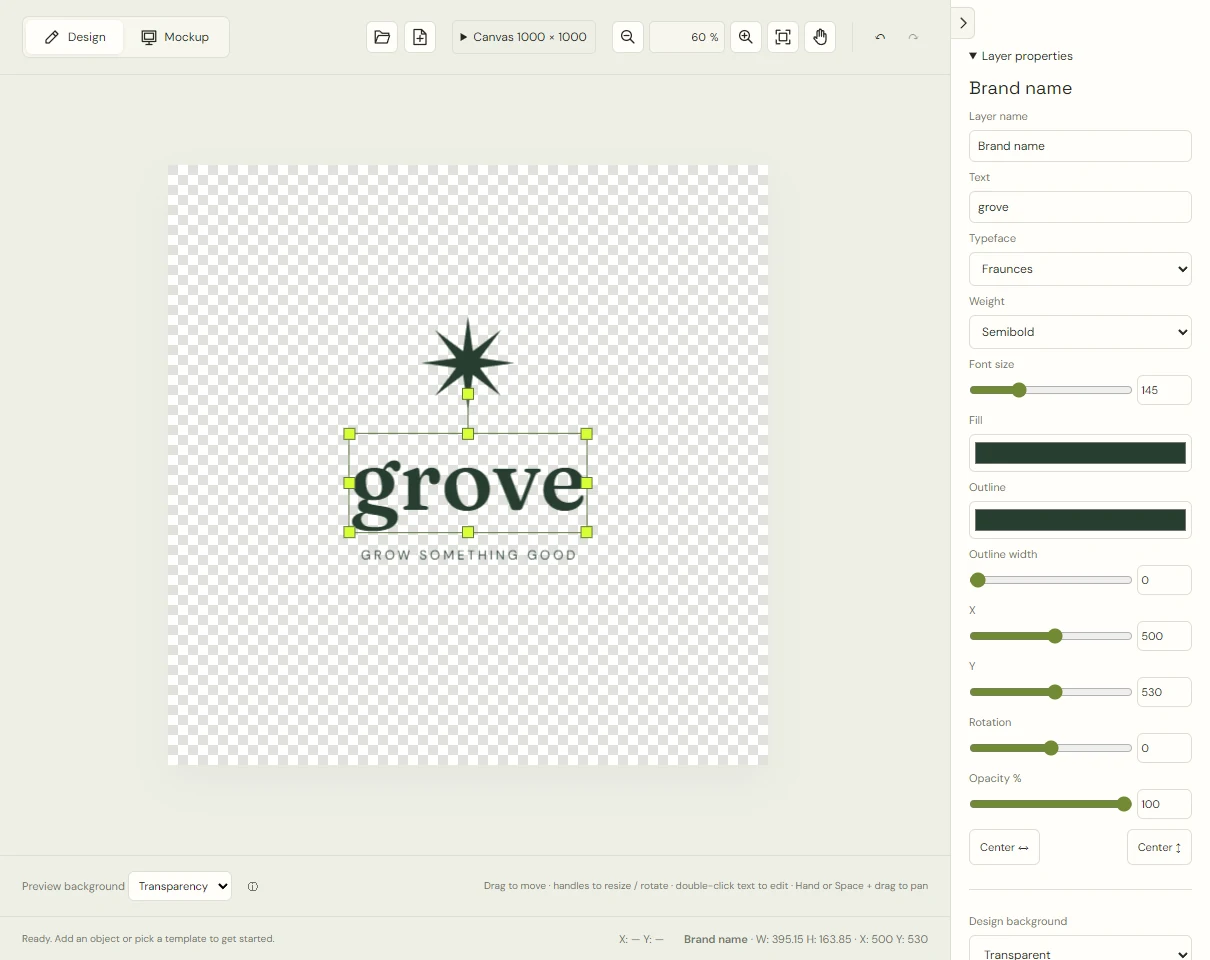
Make a few controlled changes
Keep one main artwork color at first. Change the background only after the foreground reads well. Adjust the symbol size and spacing so the name remains prominent. If you group the symbol and text, the shared position, scale, rotation, and color controls can change the arrangement together. Use individual layers for changes that should affect only one element.
Save a project before trying a second direction. Compare versions with one meaningful difference—font, color, or symbol size—so you can tell what improved.
Test the result where it will live
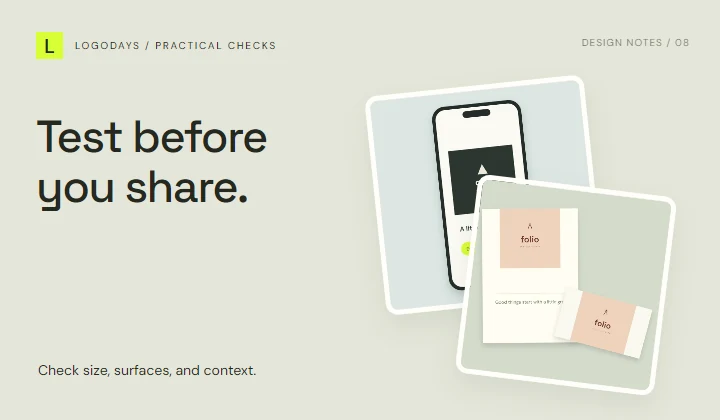
Use the available mobile, website, and stationery mockups as composition checks. Then export a PNG and inspect it at the actual display size. A large preview can hide an unreadable tagline. Make a separate simpler version for an avatar if necessary; you do not need one arrangement for every use.
Ask someone to read the name without being told what it says. If they hesitate, simplify the lettering or increase the space around it. The testing guide gives a repeatable review sequence.
Keep the files you will need
Download a PNG for a transparent image when the design background is transparent, a JPG for a filled rectangular image where needed, and the editable project to continue working. Browser recovery keeps the latest project locally; it is not a permanent archive. LogoDays does not currently export SVG.
Before business use, check the licensing information and the name and symbol’s suitability for your intended use. A polished appearance does not establish exclusive rights. For the next pass, use the common mistakes checklist to find issues you may have stopped noticing.